
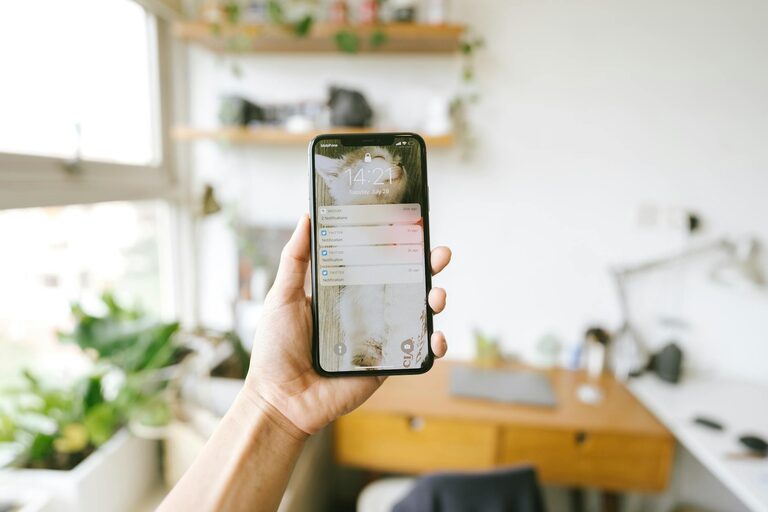
In today’s digital world, notifications from our phones, computers, and apps are constant. While they can be helpful reminders, unchecked notifications often lead to distractions, stress, and decreased productivity. Setting boundaries with notifications is essential for maintaining focus and improving overall digital wellness.
In this blog post, we’ll explore practical tips to help you manage notifications effectively, so you can stay in control of your time and attention.
Why Setting Notification Boundaries Matters
Notifications are designed to capture your attention, but frequent alerts can fragment your day. Here are some reasons why setting boundaries is important:
– Improves Focus: Reducing unnecessary interruptions helps you concentrate better on important tasks.
– Reduces Stress: Constant alerts can cause anxiety; managing them helps create a calmer digital environment.
– Enhances Productivity: You can allocate uninterrupted time to work, leading to higher quality output.
– Supports Work-Life Balance: Controlling notifications outside work hours prevents burnout and helps you unwind.
Step 1: Audit Your Notifications
Before you start setting boundaries, evaluate which notifications you receive and their importance.
- **Check Your Devices**
Go through notification settings on your smartphone, tablet, and computer.
- **List App Notifications**
Identify apps that send frequent alerts such as social media, messaging, email, and news apps.
- **Evaluate Importance**
Ask yourself if each notification requires immediate attention or can be checked later.
By understanding where your notifications come from, you can make informed decisions about which ones to allow.
Step 2: Customize Notification Settings
Most devices and apps allow granular control over notifications. Here’s how to tailor them effectively:
Prioritize Essential Alerts
– Enable notifications for messages or calls from key contacts.
– Allow calendar reminders and work-related alerts.
– Disable or mute notifications from less important apps.
Use "Do Not Disturb" Modes
– Schedule Do Not Disturb during focused work sessions or at night.
– Customize exceptions to allow important contacts or apps while blocking others.
Group or Batch Notifications
– Many apps provide summary notifications that bundle multiple alerts.
– Use features that deliver notifications at set times instead of instantly.
Step 3: Establish Notification-Free Time Blocks
Setting aside regular periods without notifications helps create focus and recharge your mind.
– Work Blocks: Use tools like Focus Mode or timed Do Not Disturb to block notifications while working.
– Personal Time: Turn off all notifications during meals, exercise, or relaxation.
– Sleep Time: Silence notifications during nighttime to ensure restful sleep.
Using calendar reminders or apps for time blocking can help enforce these periods.
Step 4: Create Physical Distance from Devices
Sometimes setting boundaries means physically stepping away from your devices.
– Keep your phone on silent and out of reach during focused work.
– Designate specific areas at home as “device-free” zones.
– Charge your phone in another room overnight to avoid nighttime checking.
This simple practice reduces temptation and fosters healthier digital habits.
Step 5: Inform Others About Your Boundaries
Communicating your new notification rules helps set expectations and prevents misunderstandings.
– Let colleagues and friends know your preferred contact methods and response times.
– Update your status on messaging apps during Do Not Disturb periods.
– Encourage others to respect your focus time and personal boundaries.
A clear dialogue supports mutual respect and creates a more productive environment.
Step 6: Regularly Review and Adjust
Notification preferences should evolve with your needs. Schedule periodic check-ins to:
– Review which notifications are helpful or distracting.
– Adjust settings based on changes in work or life priorities.
– Experiment with new tools or apps that support focused work.
Consistency and flexibility help you maintain the right balance over time.
Helpful Tools to Manage Notifications
Consider using apps and features designed to help manage alerts:
– Focus Assist (Windows) and Focus Mode (Android/iOS): Control notifications during work hours.
– App Limiters: Set daily usage limits for distracting apps.
– Notification Summary (iOS): Receive grouped notifications at scheduled times.
– Third-Party Apps: Tools like Forest, StayFocusd, and Freedom aid in blocking distractions.
Evaluate options to find what best fits your lifestyle and preferences.
Conclusion
Setting boundaries with notifications is a crucial step toward reclaiming your attention and enhancing productivity. By auditing your alerts, customizing settings, creating focused time blocks, physically distancing from devices, communicating boundaries, and reviewing your approach, you can restore balance in your digital life.
Start small, experiment with strategies, and find what works best for you. Managing notifications thoughtfully will help you focus on what matters most, both at work and in your personal time.
Remember: technology should serve you — not control you. With intention and simple changes, you can take charge of your digital experience today.